







While there is a big boom in the field of artificial intelligence, every day many new, interesting, and unexpected applications are being developed. 🪄
There are artificial intelligence tools used for many different purposes, ranging from the business world to personal use areas, but our reasons for using them are generally similar:
Automating repetitive tasks, reducing human error, using resources efficiently, drafting ideas from brainstorming, reorganizing content…
Artificial intelligence will, of course, not do the best job in your place. Fortunately, there is still a way to emulate those unique and fascinating aspects of human creativity. However, artificial intelligence can take some of the workload off your shoulders, allowing you to focus on your other tasks and creativity.
In this article, we have listed artificial intelligence tools you can use for content creation, summarization, coding, image creation, and note-taking. You may already know some of them, and you might discover some new ones. 👀 So without further ado, let's explore different artificial intelligence tools!
What Are Artificial Intelligence Tools?
Artificial intelligence tools are software applications that use artificial intelligence to solve specific problems or perform tasks. These tasks can vary widely, such as generating text, analyzing large data sets, or creating videos.
Artificial intelligence tools have already transformed our interaction with technology (think of Siri, Google Maps, or Netflix's recommendation algorithms), and these effects will increase even more in the future.
Especially with the rise of "generative artificial intelligence", we will witness countless applications of this technology in every sector and industry.
So, how do these artificial intelligence tools actually work? 🤔
In simple terms, artificial intelligence tools use machine learning algorithms to analyze data and make decisions based on recognized patterns and current trends. This process enables outcomes similar to or even better than human efforts.
Popular Artificial Intelligence Tools
Beautiful.ai
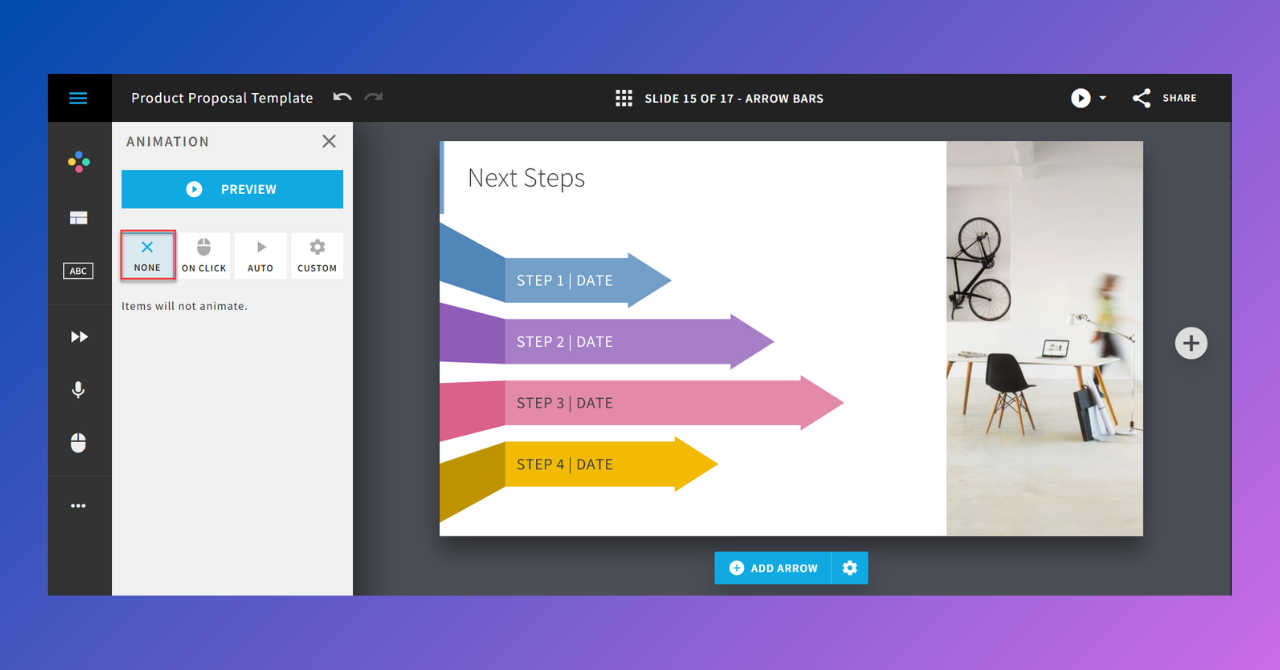
🎨 What is it used for? - Artificial intelligence-supported design automation
Beautiful.ai, a cloud-based software used to create presentations. By using Beautiful.ai, you can prepare professional-looking slides and presentations you can create.
Beautiful.ai, which aims to save time in design, is supported by built-in templates and graphics, allowing you to create impressive presentations with less time spent on design.
The tool features a drag-and-drop interface, optimizes the layout of visuals and text to provide consistent and organized presentations. It even enables teamwork with its collaboration and sharing features.
Midjourney
🎨 What is it used for? - Image creation
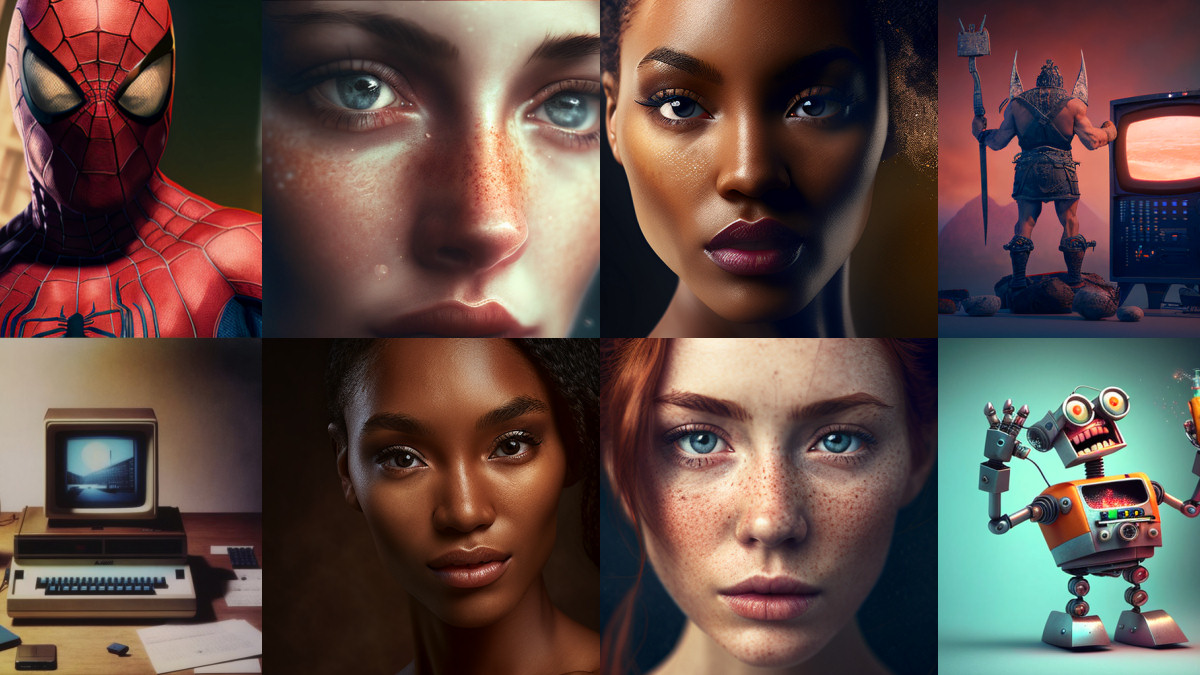
Midjourney is an artificial intelligence-powered image creation tool. Alongside Dall-E and Stable Diffusion, it has become one of the most popular tools for generating images.
To use MidJourney, you must have a Discord account. After registering, you just need to enter the “/imagine” command in the Discord channel and write a prompt. The AI immediately generates four images attempting to sample the provided prompt.
Of course, sometimes you might get a six-fingered hand or a crooked face. :) If the result doesn't meet your expectations, you can simply repeat or modify the command to try again. At this point, Midjourney is quite flexible and can easily fix such errors.
✅ Features of Midjourney
- It has an easy-to-use interface.
- Midjourney exists within Discord, so it has a strong community behind it.
- Each text command generates a set of four images from which you can choose.
DALL-E2

🎨 What is it used for? - Image Creation
Of course, DALL-E 2 is among the most popular AI image creators. Developed by OpenAI, DALL-E 2 is used to generate realistic and creative images based on text commands.
After writing what you want to create, such as an astronaut on horseback or a cat on the streets of Istanbul, your image is quickly prepared.
However, DALL-E is not only an effective image creation tool; it can also be used to edit existing images and enhance them. If you want to edit only a specific part of an image, it is sufficient to select specific areas in the image.
✅ Features of DALL-E
- Can generate images in a wide variety of ways.
- The generated images have no license. Therefore, you can use them freely.
- The user interface is user-friendly and easy to use.
Runway
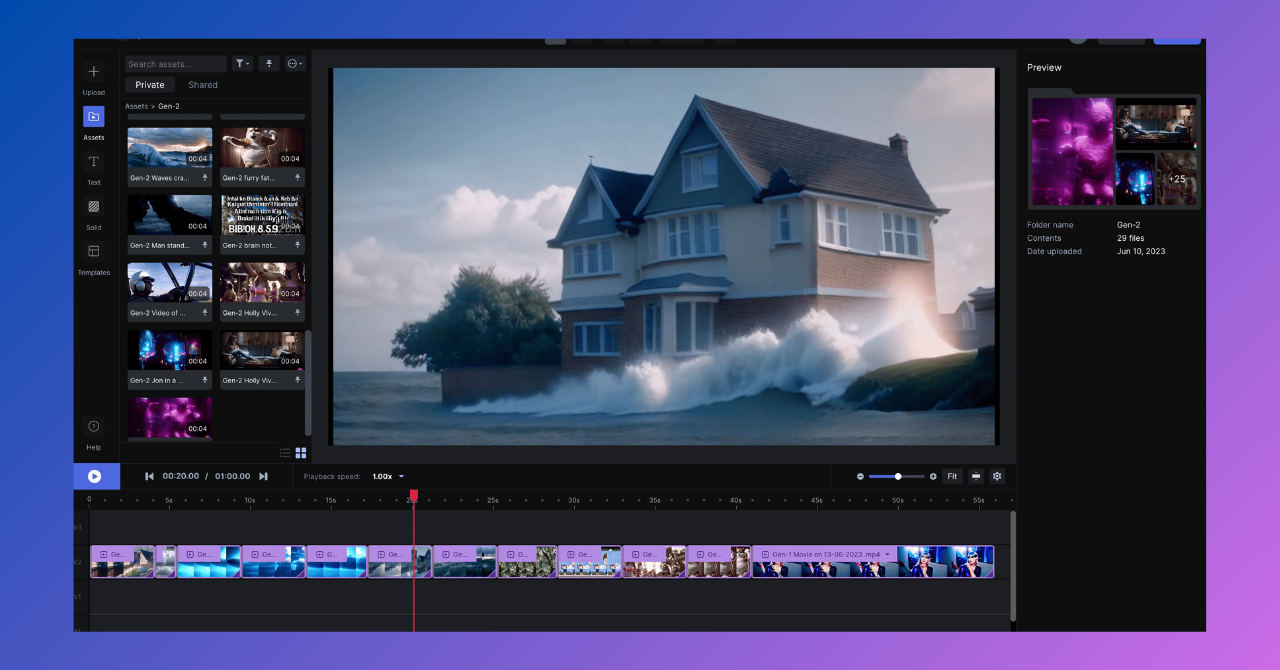
🎨 What is it used for? - Video creation
Video editing used to be a tedious and lengthy process. However, it no longer requires technical skills or expensive software.
Runway, videos, images, 3D animations and sounds, an artificial intelligence tool that makes editing and enhancing easy. It has features such as background removal, object painting, subtitle addition, and video production with AI.
✅ Features of Runway
- Designed for both large companies and the entertainment industry.
- Offers various video editing capabilities.
- Allows you to produce videos from scratch.
- Allows you to produce videos from images.
ChatGPT
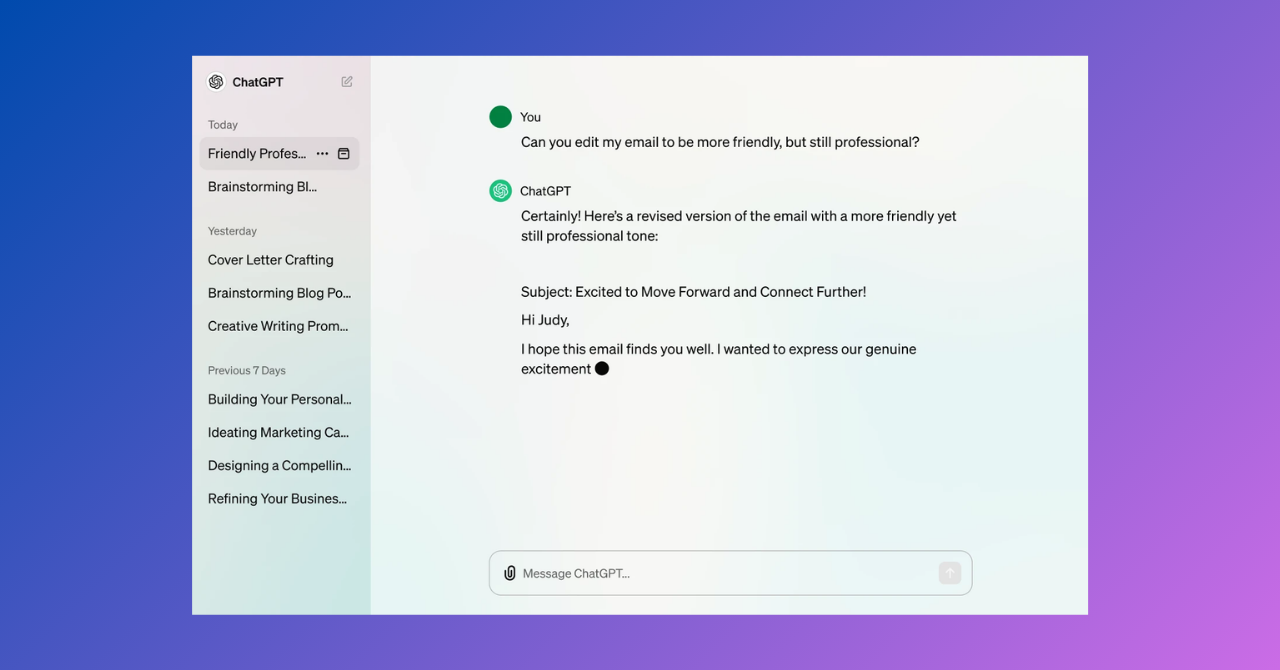
✍️ What is it used for? - Writing and content creation
When you think of artificial intelligence applications, the first ones that probably come to mind are artificial intelligence tools that are writing and content assistants. The most popular among them is undoubtedly ChatGPT…
Whether you want it to tell you a story or write your speech for a meeting, ChatGPT is one of the most accessible and easiest-to-use chatbots on the internet that can do all of these.
So, what exactly is ChatGPT? Let's let ChatGPT take the floor and explain it to us in its own words:
“ChatGPT is a language model developed by OpenAI. This model has been trained on a vast dataset of text and is designed to understand questions in natural language, generate texts, and perform various language tasks. ChatGPT is based on the architecture known as "Generative Pre-trained Transformer" (GPT)…”
✅ Features of ChatGPT
- Has an intuitive and minimalist user interface that is easily understood by users.
- Has natural language capabilities for a two-way conversation feel.
- Supports over 50 languages, including English, French, Dutch, Turkish, Spanish, Italian, and Japanese.
- Has an extensive knowledge base covering many industries and topics.
- ChatGPT is easy to use.
Jasper
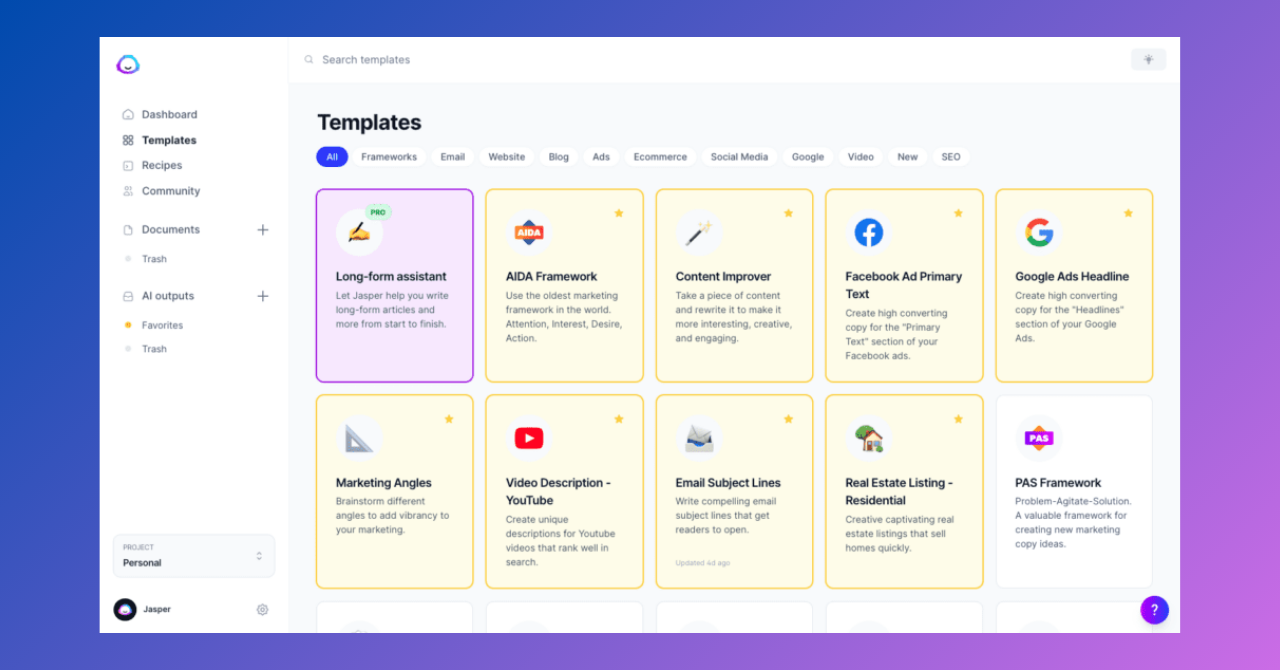
✍️ What is it used for? - Writing and content creation
Copy.ai is an AI-powered writing tool used to generate almost any type of content and automate repetitive writing tasks.
The advanced artificial intelligence language model allows for more creative and original content than its competitors. This makes it a go-to tool for everything from social media posts to product descriptions.
In fact, it is a tool very similar to Jasper. However, Copy.ai creates content in a more creative way to help marketers save time.
Choose what you want Copy.ai to write, provide some data, and select the right tone. Then, the AI tool will generate several different text versions from which you can choose.
✅ Features of Copy.ai
- Produces a wider range of content compared to other artificial intelligence tools.
- The interface is simple and easy to use to ensure a seamless user experience.
- Generates content for multiple purposes within a single tool.
- Comes with a free plan for beginners.
Copy.ai
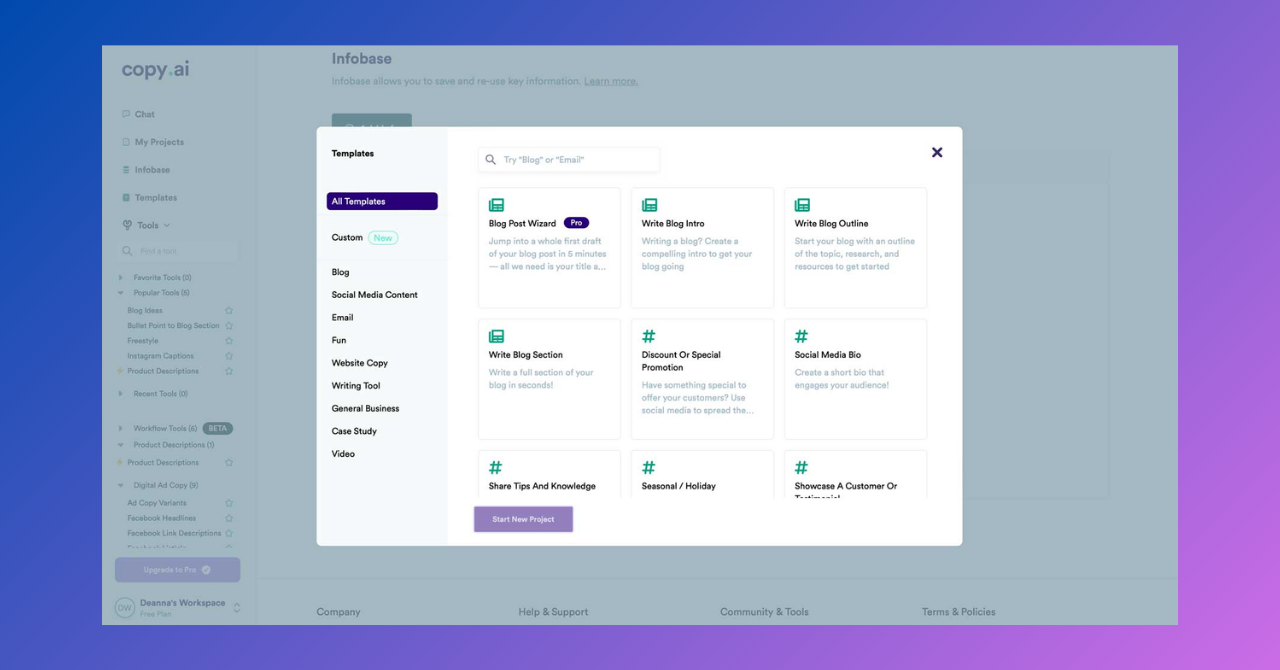
✍️ What is it used for? - Writing and content creation
Copy.ai is an AI-powered writing tool used to generate almost any type of content and automate repetitive writing tasks.
The advanced artificial intelligence language model allows for more creative and original content than its competitors. This makes it a go-to tool for everything from social media posts to product descriptions.
In fact, it is a tool very similar to Jasper. However, Copy.ai creates content in a more creative way to help marketers save time.
Choose what you want Copy.ai to write, provide some data, and select the right tone. Then, the AI tool will generate several different text versions from which you can choose.
✅ Features of Copy.ai
- Produces a wider range of content compared to other artificial intelligence tools.
- The interface is simple and easy to use to ensure a seamless user experience.
- Generates content for multiple purposes within a single tool.
- Comes with a free plan for beginners.
TabNine
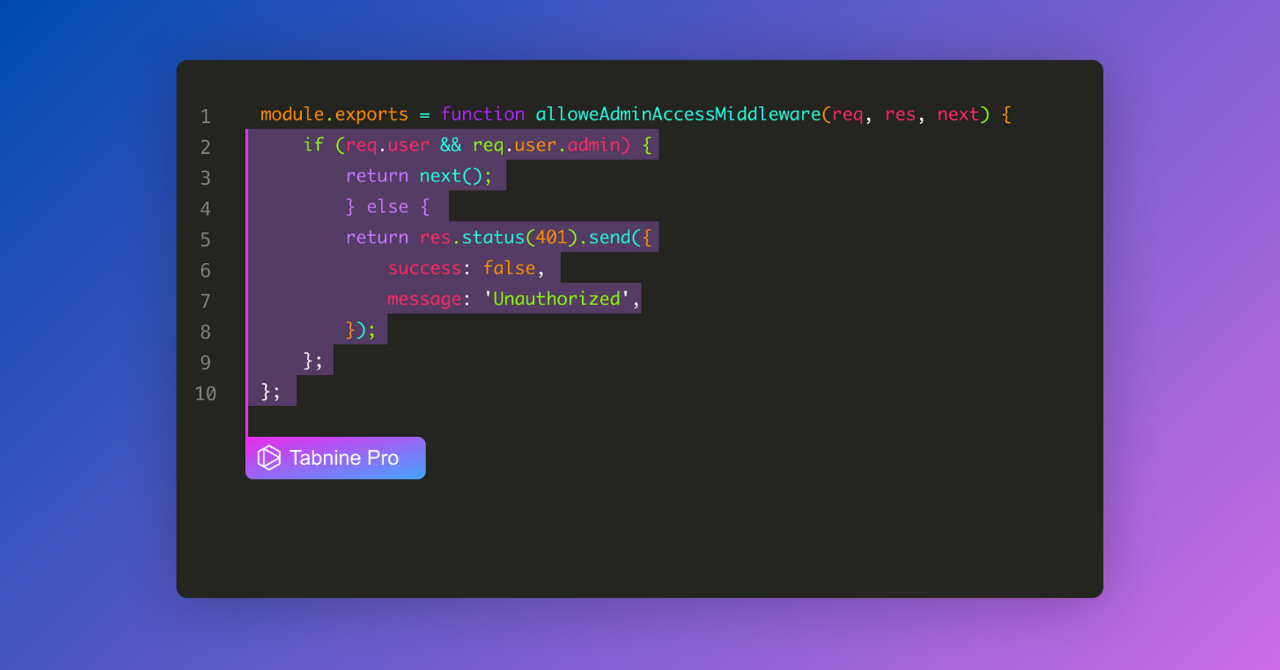
💻 What is it used for? - Software and coding
TabNine is an artificial intelligence-powered code completion tool that suggests code completion lines. For developers, this artificial intelligence tool helps write clean code much faster and more efficiently.
TabNine is compatible with various code editors, making it a valuable tool for developers in different programming languages and environments. It can provide code completion in over 25 programming languages.
✅ Features of TabNine
- Automatically completes code lines.
- Converts natural language into code blocks.
- TabNine expects commands to be in English, but other languages can also work.
- Can work throughout the entire software development lifecycle.
- Enables automatic testing and documentation.
GitHub Copilot
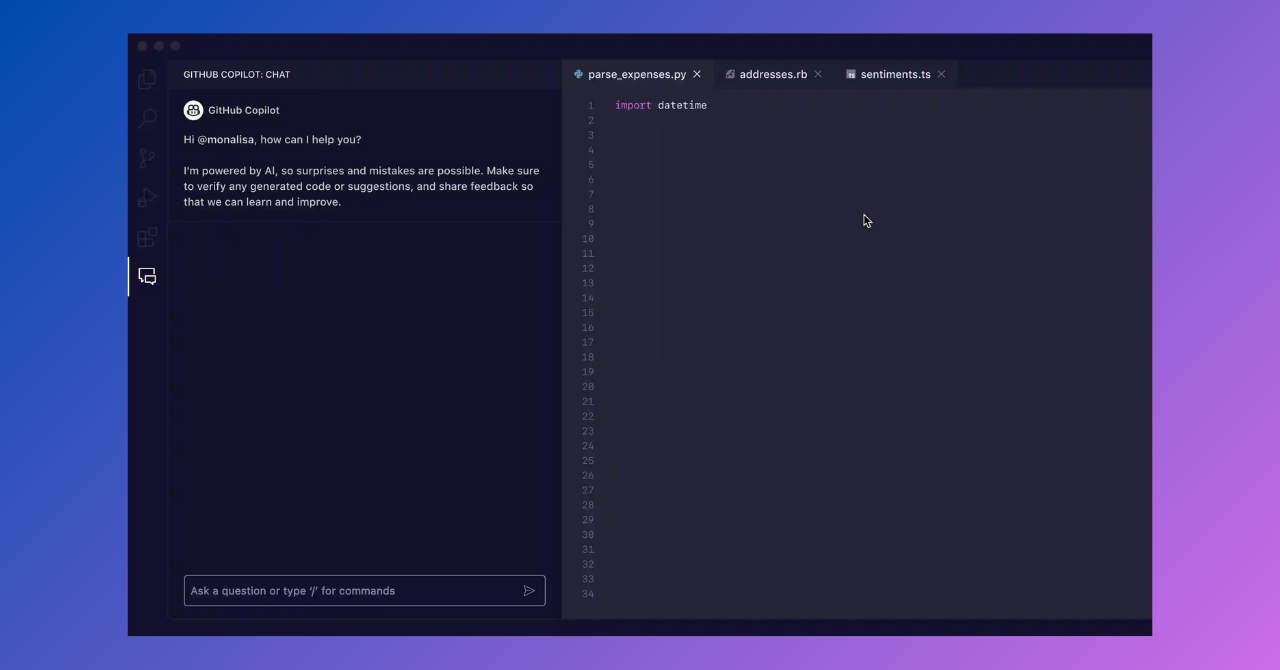
💻 What is it used for? - Software and coding
GitHub Copilot, it's not wrong to say that it is one of the most used AI tools by developers. According to GitHub, over a million developers use this tool.
GitHub Copilot primarily helps developers automatically complete their code in IDEs similarly to TabNine. It feels like a friend to developers, but it is actually artificial intelligence. :)
It helps you write code faster and with less effort. It is also quite easy to use. You simply need to write what you want it to code.
GitHub Copilot is compatible with many IDEs, including VS Code, Neovim, and JetBrains. To learn more about this artificial intelligence tool, you can check out our article titled “What is GitHub Copilot?”
✅ Features of GitHub Copilot
- Supports multiple programming languages including Python, JavaScript, TypeScript, Go, and C++.
- Uses AI pair programming to generate relevant solutions by utilizing machine learning technology and voice commands.
- Can integrate with tools like Visual Studio Code, JetBrains IDEs, and Neovim.
Krisp
🔈 What is it used for? - Meetings
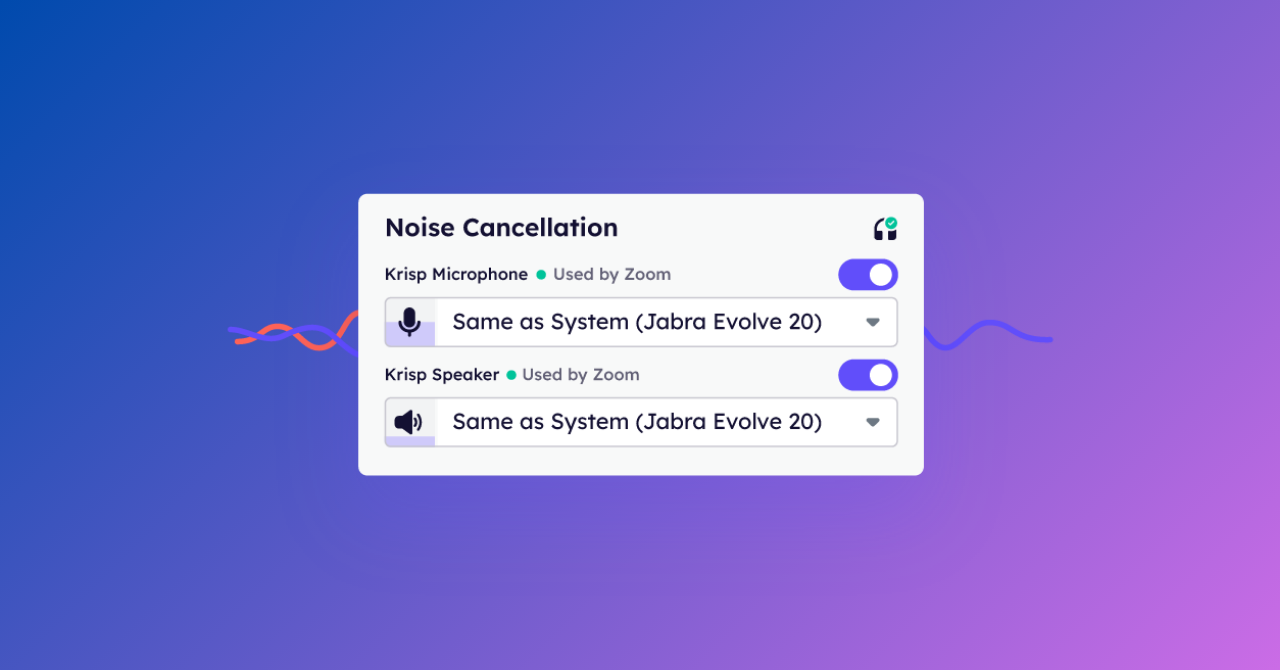
Is an outside dog or construction machinery creating noise in the middle of your meeting? If this scenario sounds very familiar to you, Krisp will become indispensable for online meetings.
Krisp is an artificial intelligence meeting tool that provides real-time background noise cancellation during online meetings. In short, it is an application that successfully cleans up background sounds.
✅ Features of Krisp
- Removes background noise, sound, and reverberations.
- Can create meeting summaries.
Otter.ai
🔈 What is it used for? - Meetings
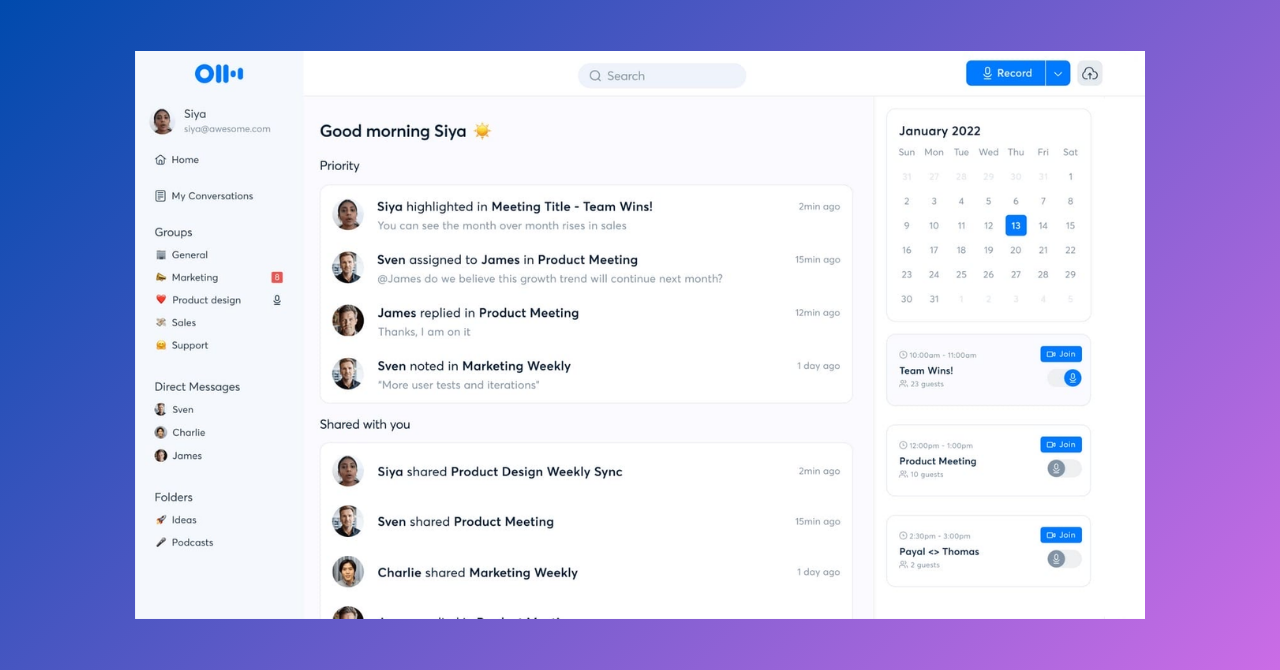
Otter.ai is an AI-powered transcription service. It allows users to automatically convert their audio and video recordings into text. It is especially used in events like meetings, lectures, interviews, and webinars.
Otter.ai transcribes conversations into text in real-time and offers features to edit, share, and search the text later. Additionally, it makes transcripts more readable by adding speaker recognition and timestamps.
It is widely used especially in the business and education sectors because it makes note-taking and organizing information easier.
✅ Features of Otter.ai
- Converts audio and video recordings into text.
- Instantly transcribes live conversations.
- Differentiates between different speakers in the text.
- Adds timestamp information next to each sentence.
Benefits of Artificial Intelligence Tools
Artificial intelligence tools provide many benefits for both personal and business purposes. Artificial intelligence tools can come in many different forms such as web applications, browser extensions, or desktop/mobile applications. Regardless of how they appear, most of us use these tools for the following main advantages:
- 24/7 Availability: Artificial intelligence tools do not need sleep, vacations, or sick leave.
- Automation: Eliminates repetitive tasks, allowing you to focus on more important matters.
- Speed: Completes tasks that could take weeks in minutes.
- Accuracy: Humans can make mistakes for various reasons, but artificial intelligence minimizes errors.
- Idea Generation: Helps in brainstorming different ideas.
- Creativity: You do not need technical skills; you can create music, videos, designs, or texts with artificial intelligence.
To sum up, artificial intelligence tools simplify and enrich our lives by effectively and accurately performing both routine and creative tasks.




